
Kosmokrator
Dominions 6 / Modding tool
Kosmokrator helps you make nations and maps for Dominions 6. Describe what you want, and Codex or Claude Code builds it. Kosmokrator runs on your computer and opens in your browser, where you can review your mod and export it.
You'll need Codex or Claude Code. Kosmokrator contains no AI model. You run your agent separately, using your own account, and its normal subscription or API costs apply.
Features
- Make nations and maps. Fill in a short brief and paste the instructions into your agent. It builds maps too, which you review in the browser rather than paint by hand. One project can hold several nations and maps.
- Import an existing mod. Bring a mod into a new project, then browse its units and edit their stats and traits.
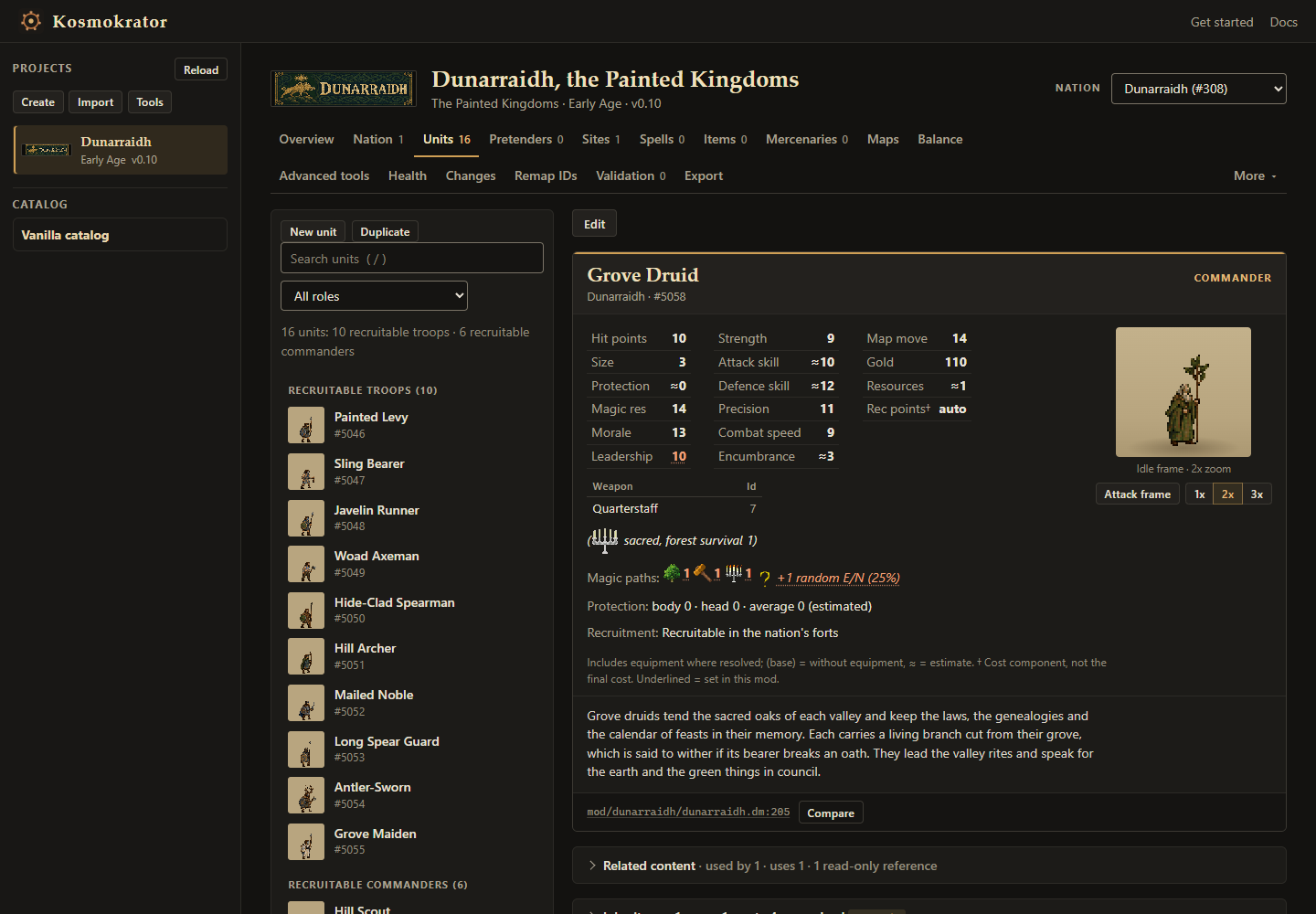
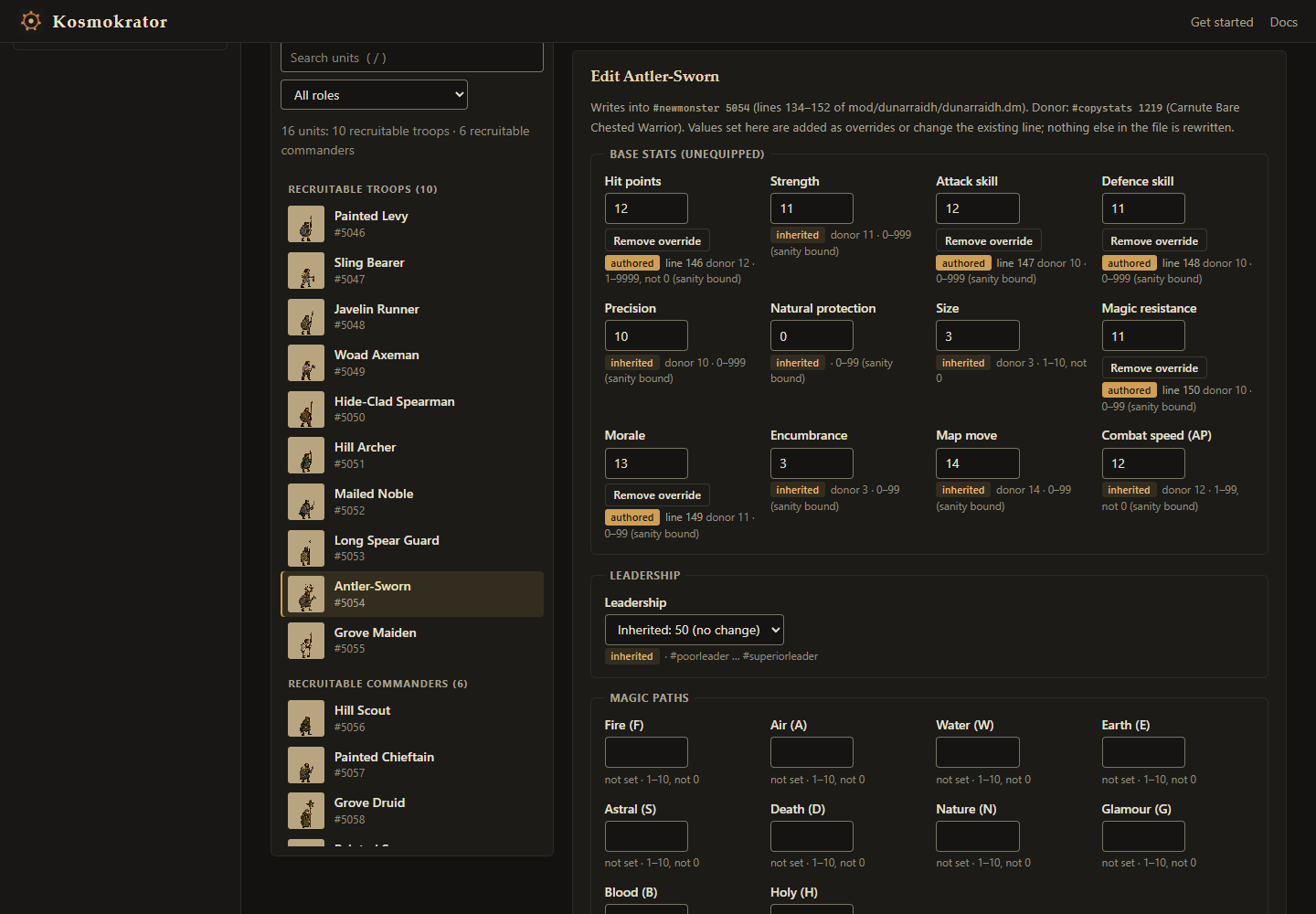
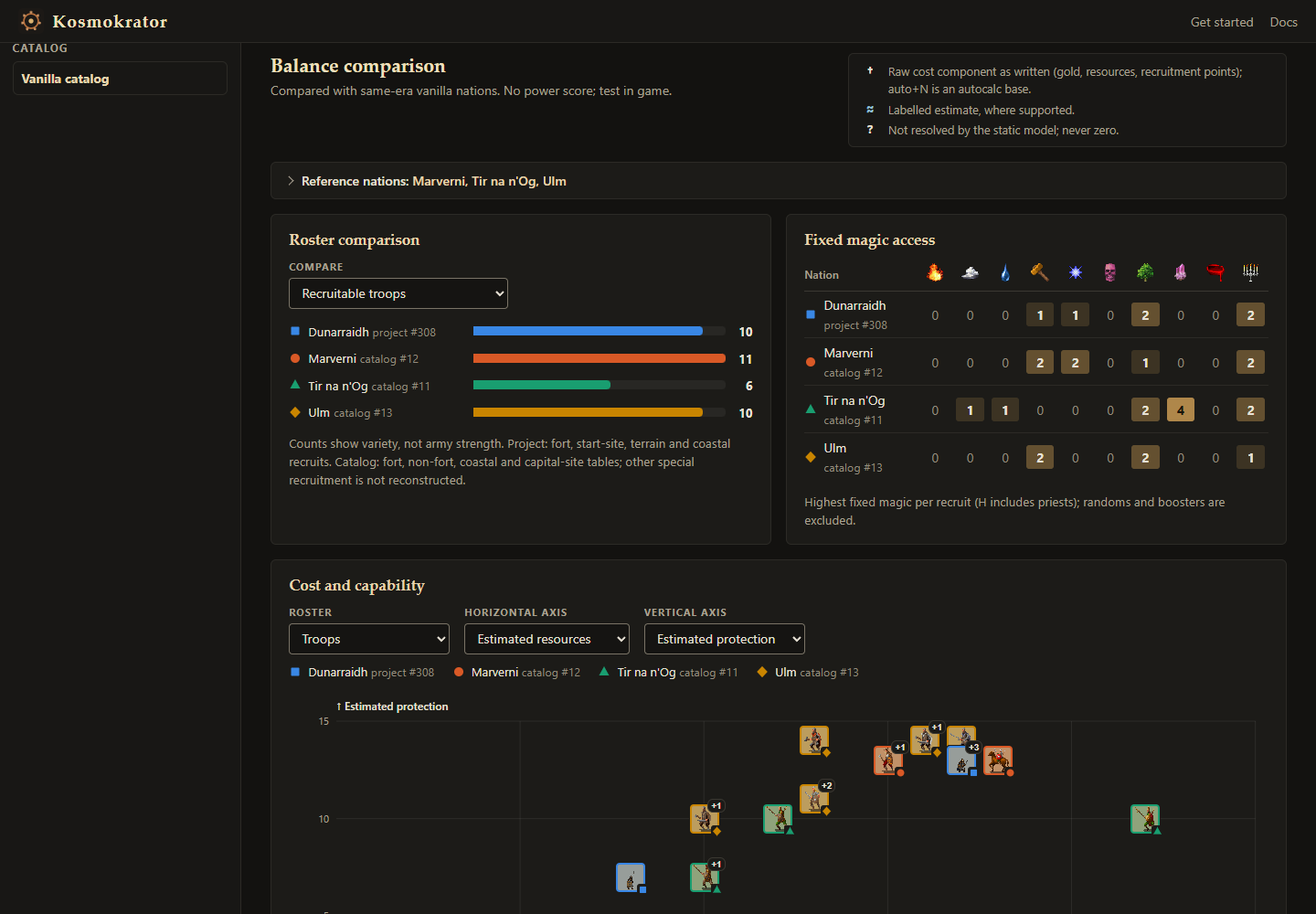
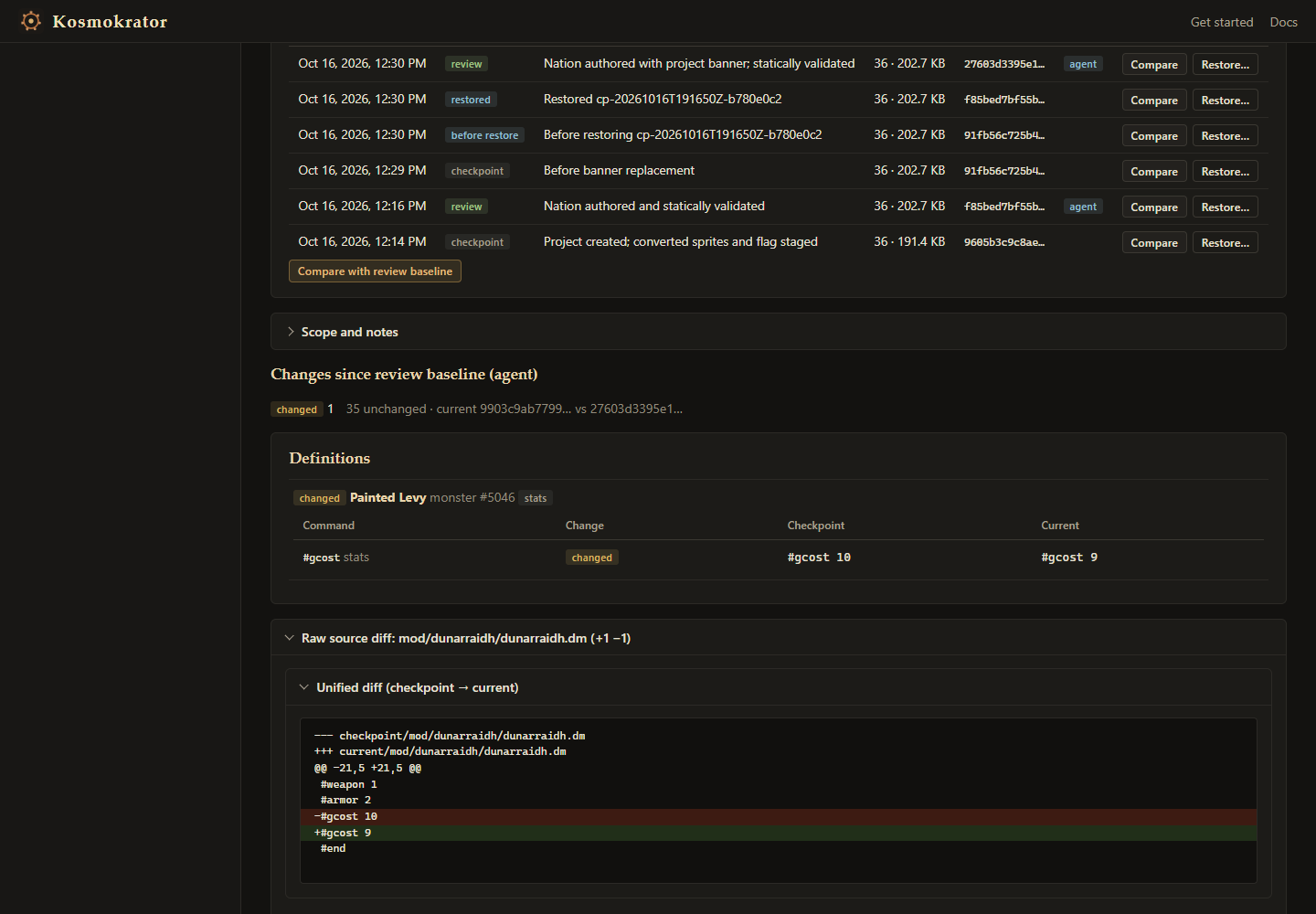
- Browse and edit units. View each unit's sprite, stats and description, edit stats and traits, and compare units with the base game for balance. For copied units, see which stats you've changed.
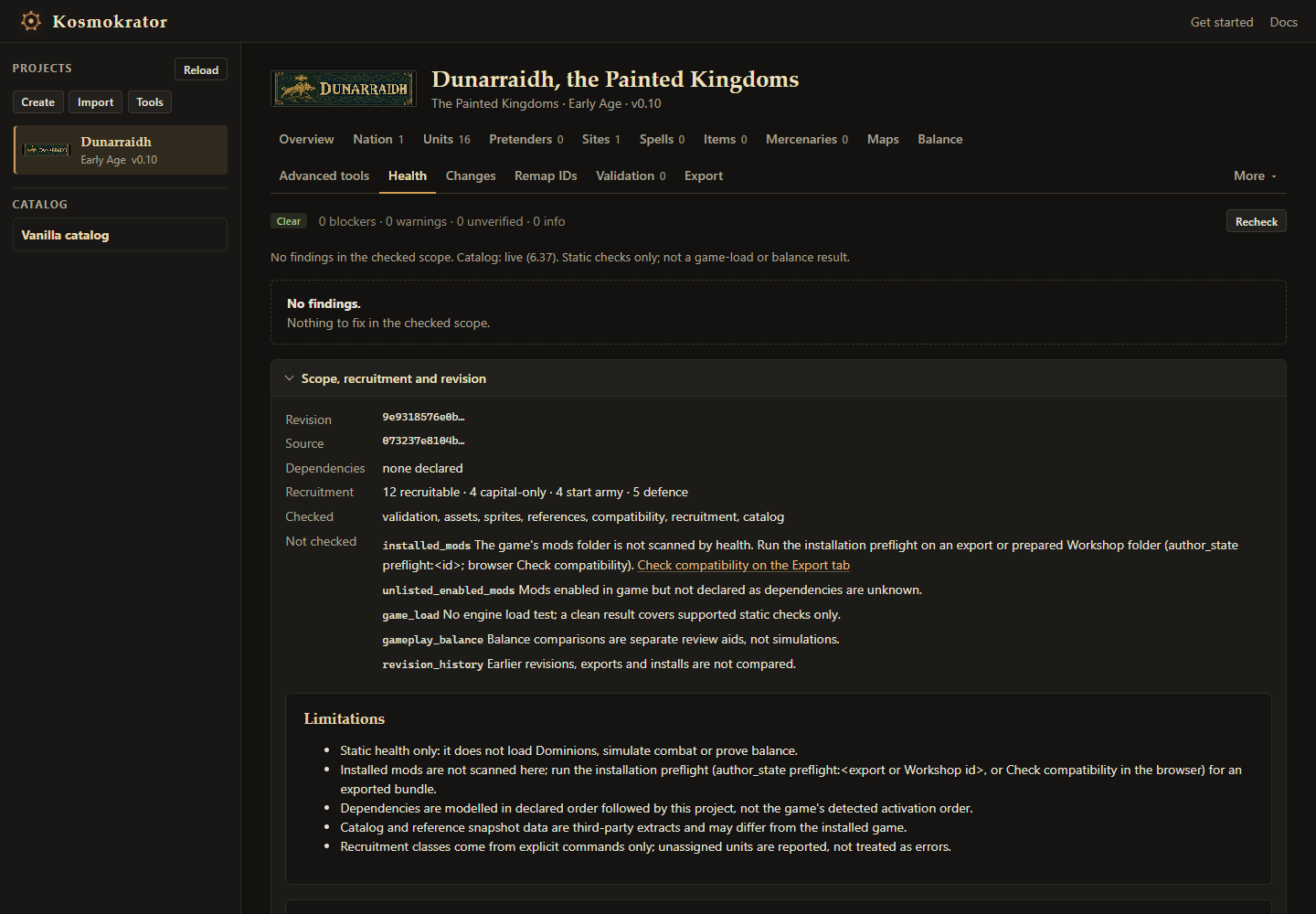
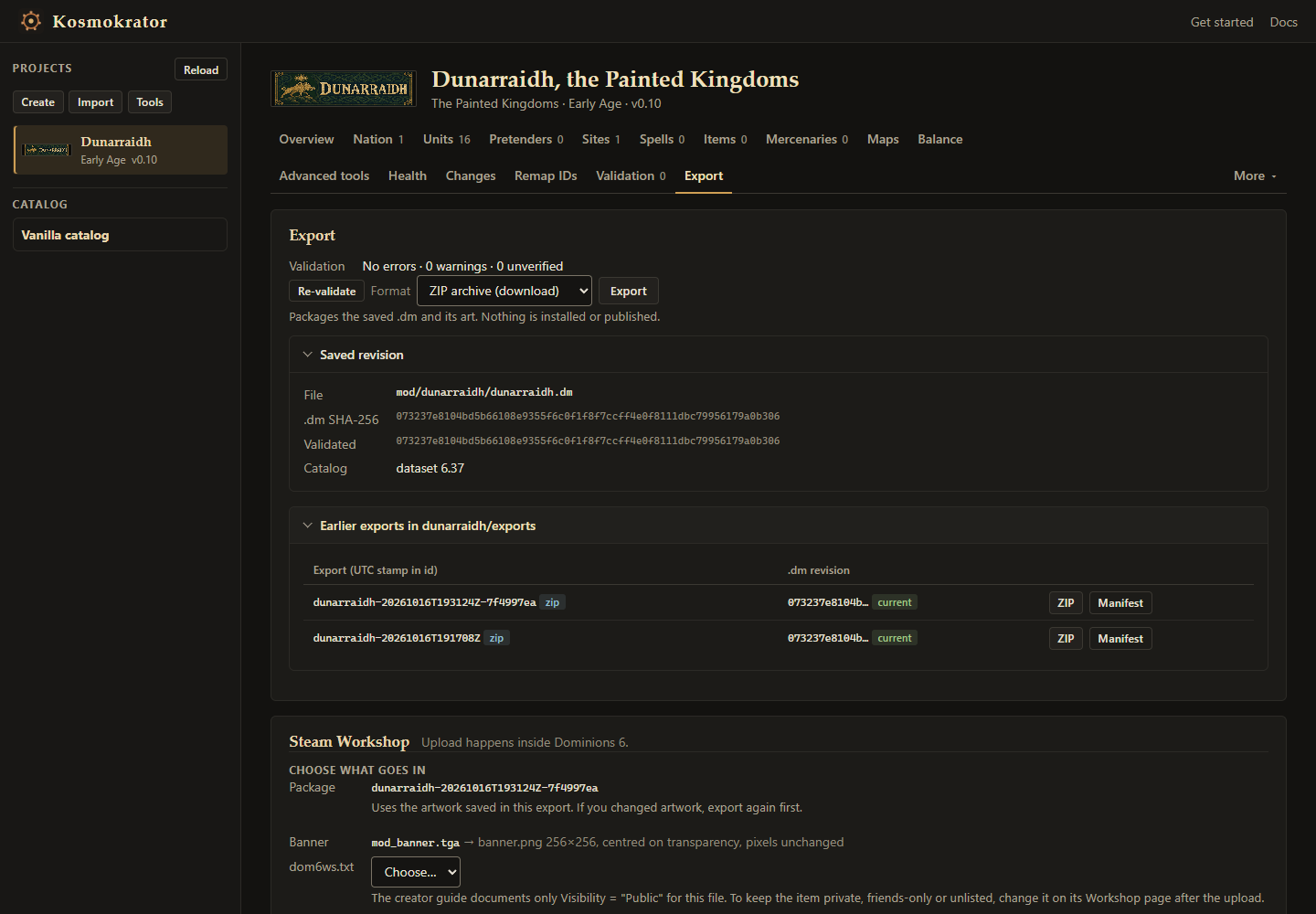
- Check and export. Health lists problems in one place, and a compatibility check looks for clashes with other mods. Export a nation as a mod, or a map as a map bundle.
- Track and undo changes. Changes keeps checkpoints of your project, so you can see what's different and restore an earlier version. Exports are saved as new files and aren't installed automatically.
Balance comparisons need base-game reference data, which you add separately; the README explains how. Checks cover your files, not how the mod plays, so test it in Dominions 6.
Screenshots
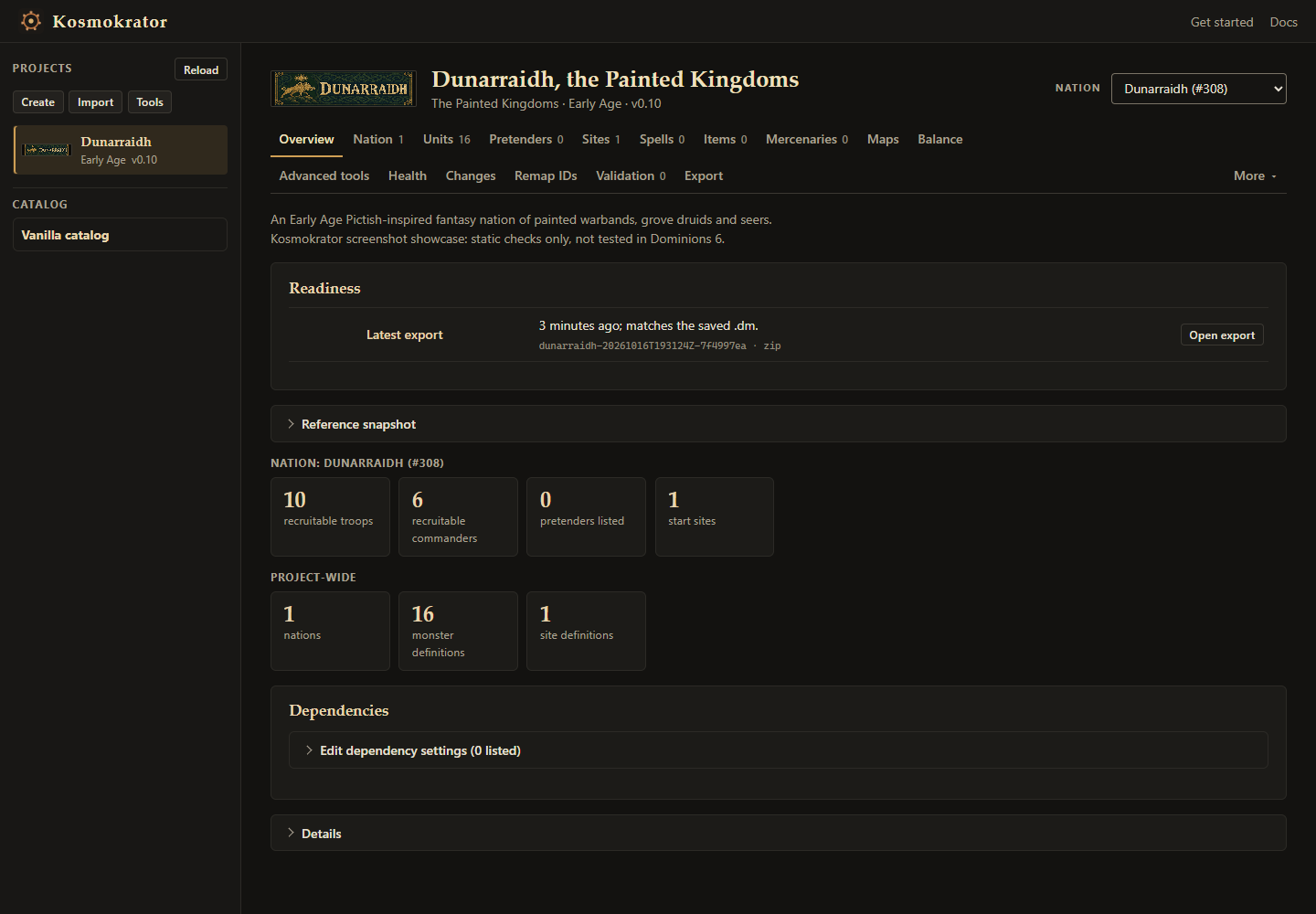
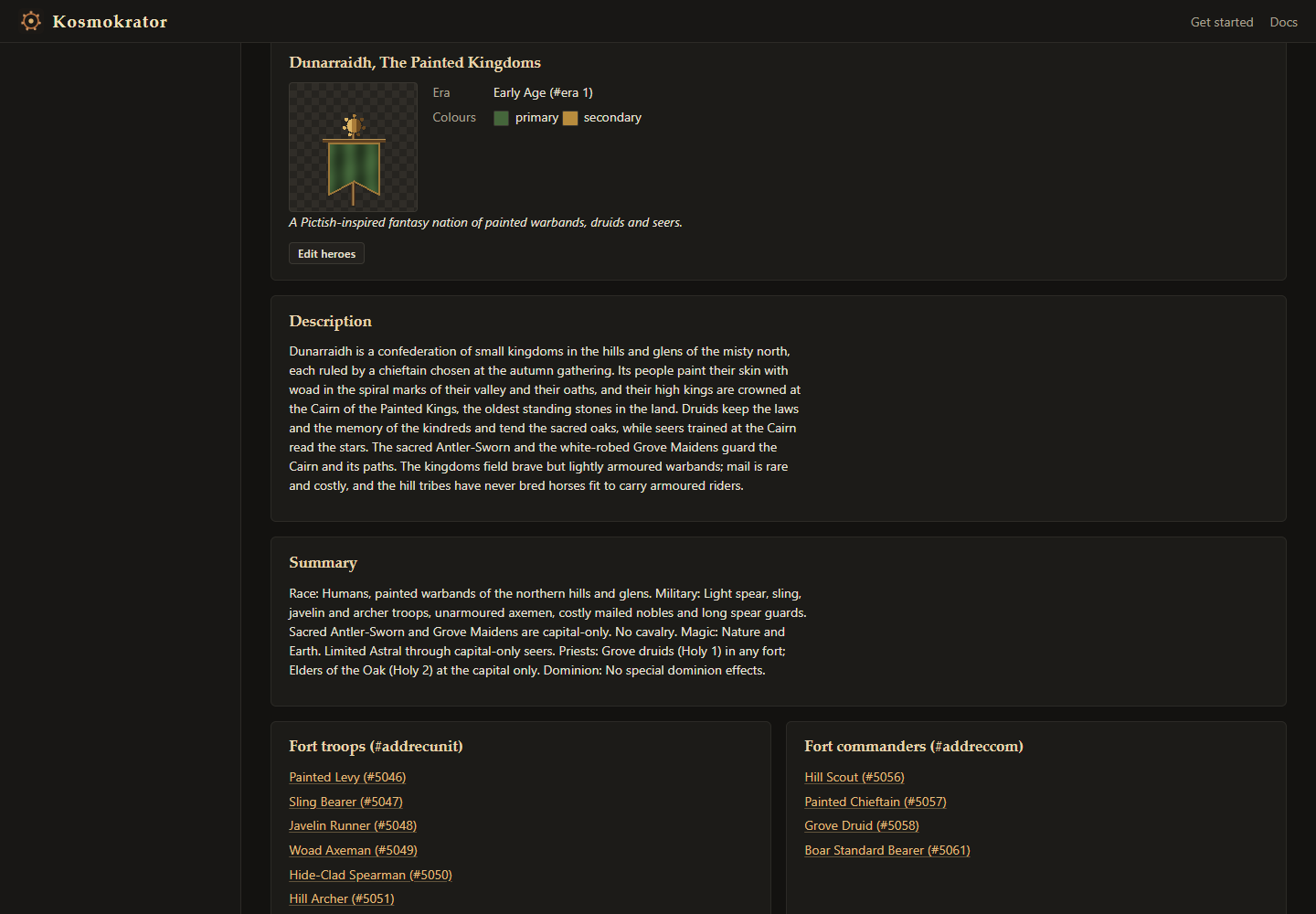
These screenshots show Dunarraidh, an example Pictish-inspired nation. Choose a screenshot below, then select the large image to see it full size.
Requirements and getting started
You need:
- Python 3.11 or newer.
- An account for Codex or Claude Code.
- Dominions 6, to play and test your mod.
Getting started:
- Download the latest release and extract the source ZIP.
- Start Kosmokrator from that folder. It opens in your browser.
- Open Codex or Claude Code in the same folder.
- Choose Start a nation or Start a map, fill in the brief and paste the instructions into your agent.
- When your agent is done, press Reload to see the result.
The Kosmokrator README is the full setup guide, with the exact launch command, troubleshooting and optional extras. These steps are for Windows and PowerShell. The README also covers other systems, but those instructions haven't been tested yet.
Downloads and source
- Latest release: download files and checksums.
- README: the setup guide, plus features and limits.
- Source on GitHub: the source code, licensed GPL-3.0-only. Artwork and resource terms are in the repository.
Kosmokrator is an independent tool. Dominions 6 belongs to Illwinter Game Design, and no game files are included.